It all goes into one wallet.
Then you redeem it ten metres away.
Most markets leave you carrying the packaging home. Here it comes back to you as bXTRA Cashback — and so does what you spend, where the pop-up runs it.
① You spend
Where a pop-up runs cashback on cash, paying cash brings 2.5% back as bXTRA Cashback. Order delivery instead and a PASUYO order always earns it — cash on delivery included, whether or not that pop-up runs cashback on cash.
② You recycle
Paper, plastic, metal, glass to the Trash to Cashback booth (MBE-C) — weighed while still clean, paid in Environmental Points.
③ You redeem
Scan the stall's bXCODE, enter your PIN, redeem. Same day.
Three rails, one wallet: Trash to Cashback pays for what you bring back, PASUYO brings the food to you, and bXTRA holds and redeems the lot — in the same market, the same day.
The parts you don't have to build.
A pop-up looks like tents and tables. These four parts are what make it work — the community hosts it, bXTRA facilitates it.
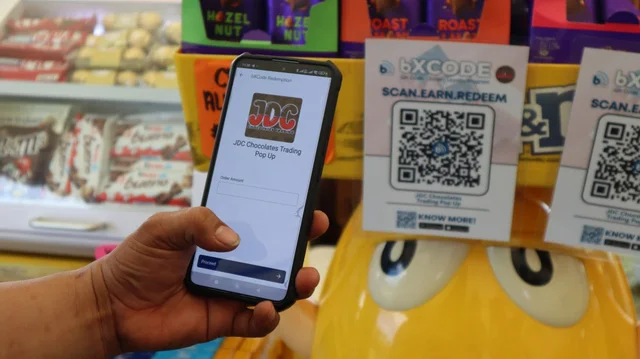
bXCODE — the stall's QR
A pop-up bXCODE is issued on site and runs for the pop-up's dates only — a permanent bXTRA store keeps theirs for the length of its contract. One QR at the counter: the customer scans it with their own phone, and the sale is credited to the right stall at end-of-day settlement.
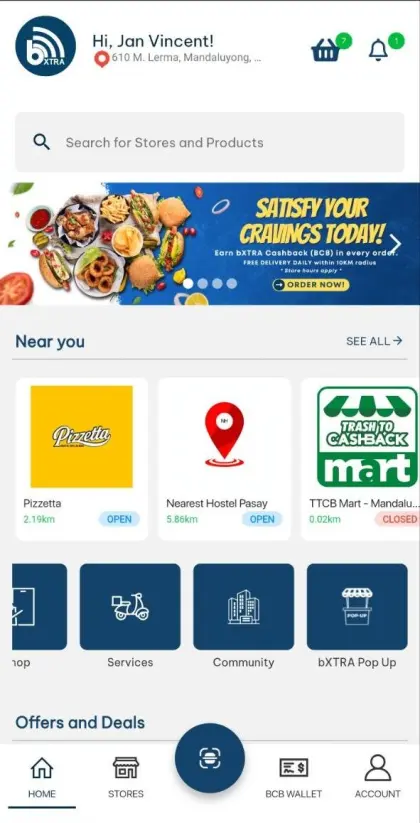
The bXTRA PH app — the loyalty program
bXTRA's part is the Loyalty Program. The app holds the shopper's bXTRA Cashback wallet, lists every pop-up under bXTRA Pop Up, shows which stalls are trading, and carries the scanner used to earn and redeem.
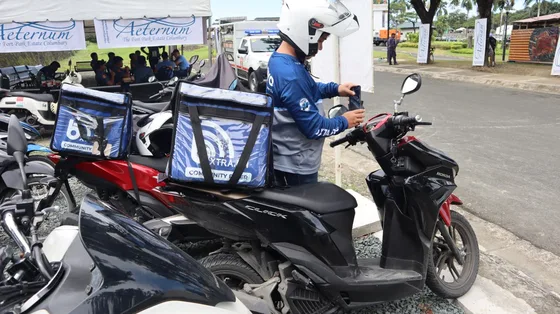
PASUYO for Business — the last mile
Food delivery, e-commerce and last-mile, on our own fleet rather than a third party's. Riders work the whole run, carrying orders up to 10 km. One customer can order from several stalls at once — many stalls, one order, one delivery — and it arrives together. Stalls are charged nothing for it, and the order always earns the customer 2.5% cashback — cash on delivery included, whatever the pop-up's counter setting is.
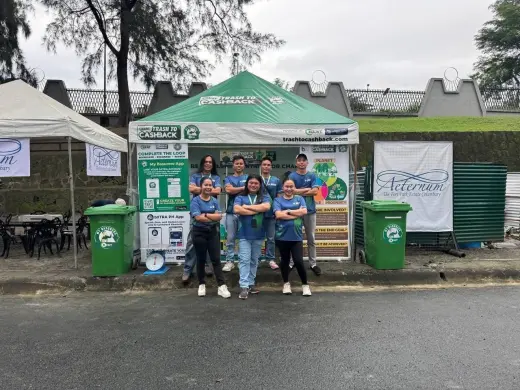
Trash to Cashback — the waste solution
The whole waste operation for the run, and the circular-economy half of the loop. At the My Basurero Eco-Community (MBE-C) booth, paper, plastic, metal and glass come in sorted, clean and dry, are weighed, and leave as Environmental Points that convert to bXTRA Cashback.
The hauling itself is My Basurero, BEST, Inc.'s private waste collection service — a licensed waste operation, not a recycling stand. E-waste is collected and properly disposed of. Food waste and ordinary residual waste are collected too — they earn no points, but nothing is left behind and nothing goes out mixed. Everything leaves properly. Only the recyclables pay you back.
Take it home: the My Basurero app
The booth packs up after four days. My Basurero is a waste pick-up service — the same trucks behind that booth, coming to your house.
What they will take away
How it works — tap through it
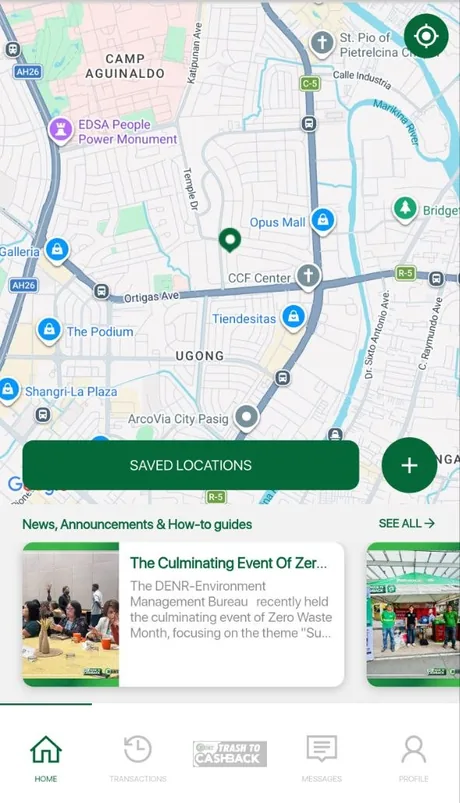
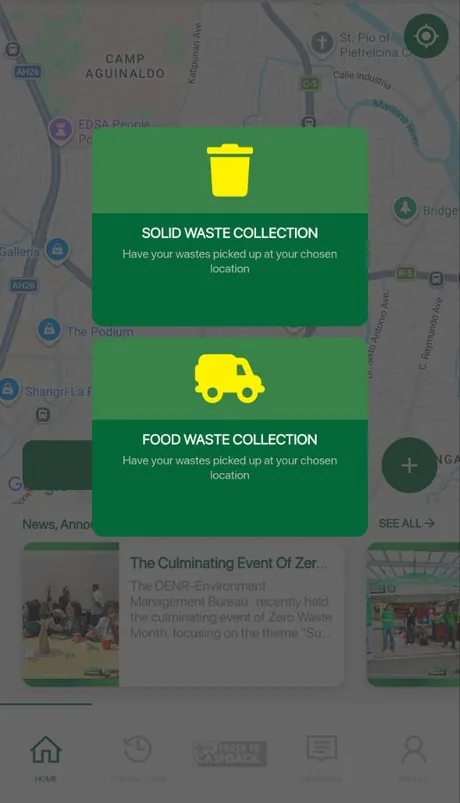
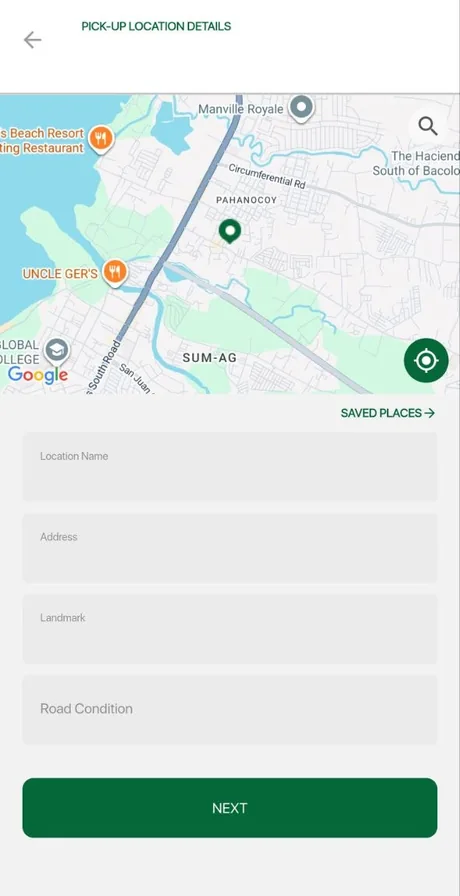
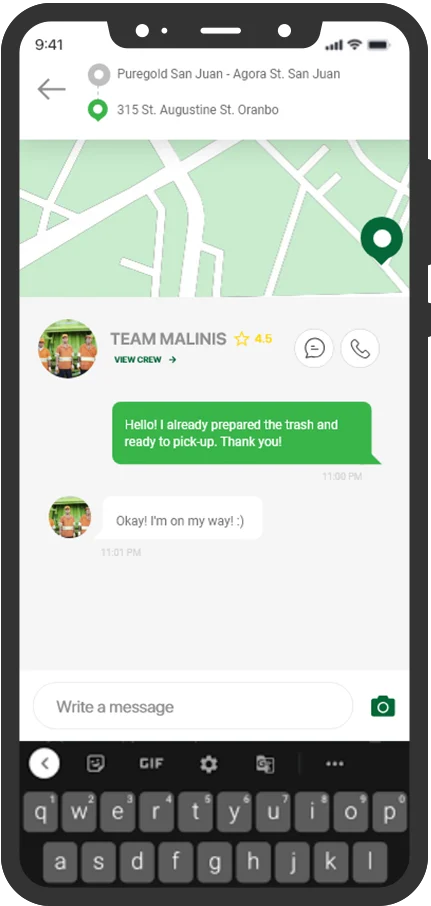
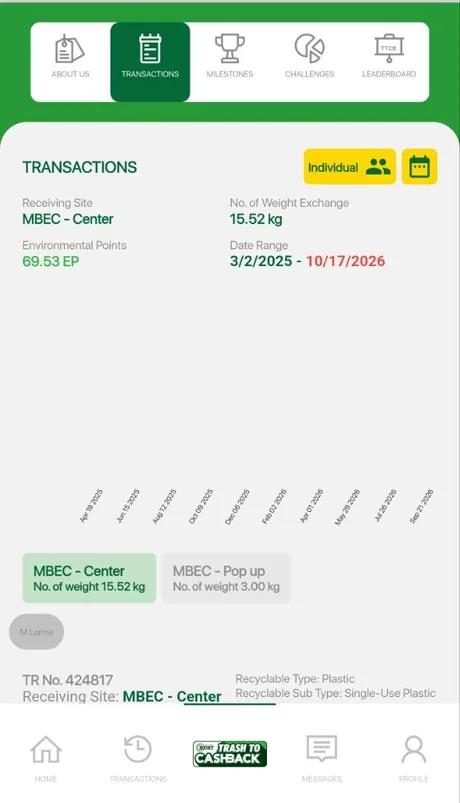
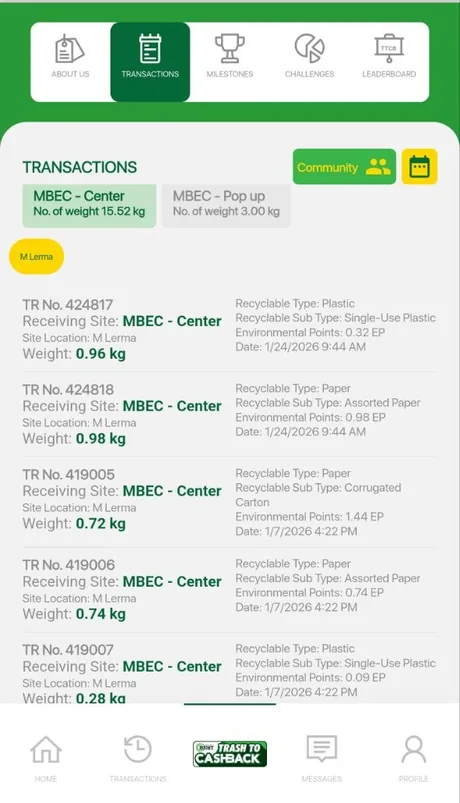
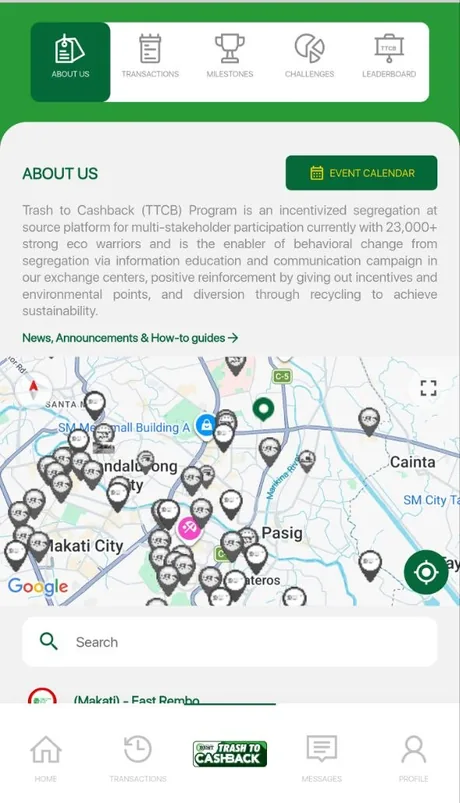
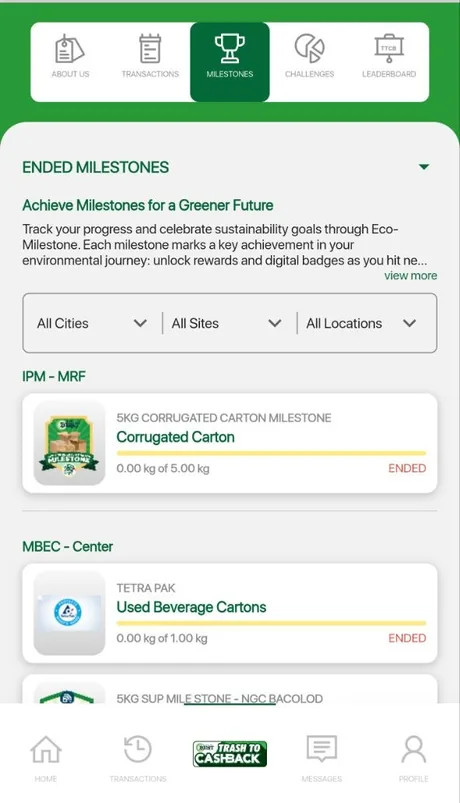
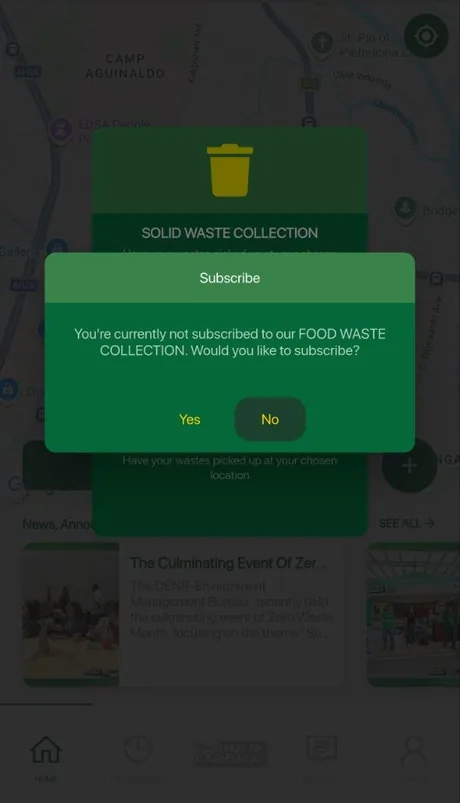
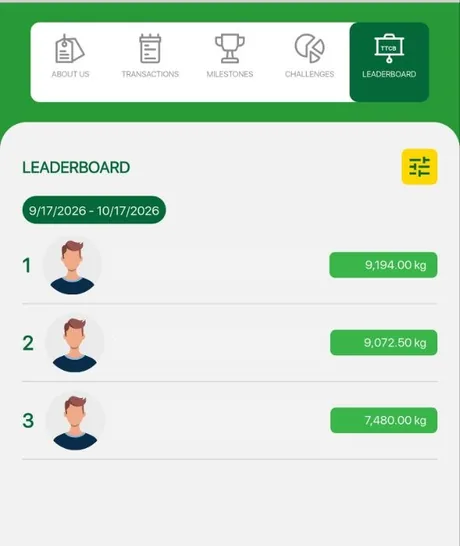
Those Environmental Points turn into bXTRA Cashback on their own — redeem it at any stall here by scanning its bXCODE.
Get it on Android · iOS · mybasurero.com.ph. Operated by BEST, Inc. — Basic Environmental Systems and Technologies, Inc.
A stall buys nothing and installs nothing — no terminal, no integration. The printed bXCODE is the whole setup, and we lend the stall a handset that receives an SMS confirming each completed bXCODE, so the stallholder sees the sale land without needing a phone or an app of their own.